Download "Fbx Exporter for Unity" for FREE. This package is provided for learning purposes or testing before purchase. NOT FOR COMMERCIAL USE.
Details
File size: 7.8 MB
Latest version: 1.6.2
Latest release date: Jul 12, 2022
Original Unity version: 2018.4.0 or higher
Description
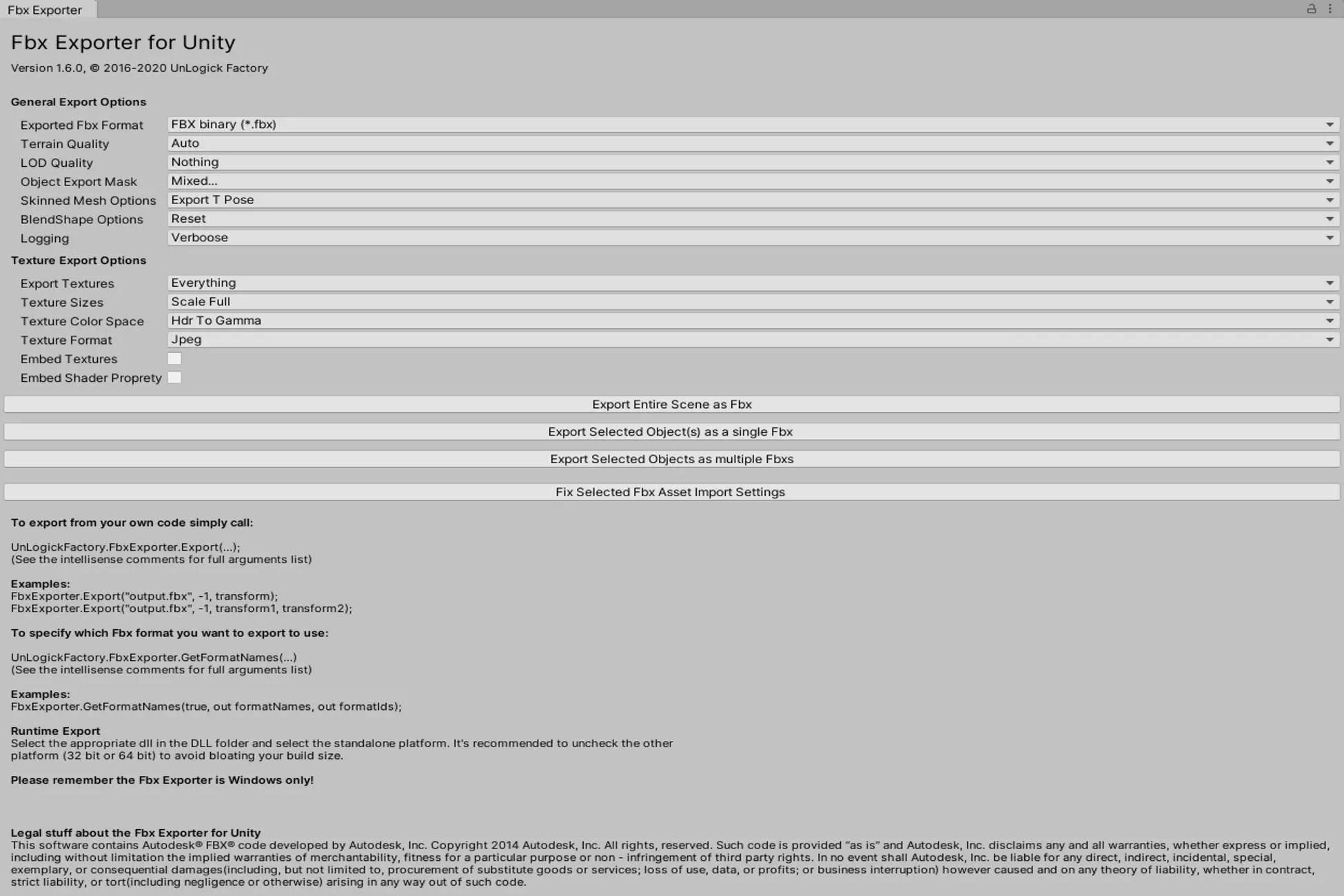
The Fbx Exporter for Unity provides a clean and user-friendly interface to export scenes and models from Unity into FBX files. Built using Autodesk's powerful FBX SDK, this tool ensures high compatibility with existing FBX-based tools.
Note: The Fbx Exporter does not export animations!
Key Features:
- Supports both 32-bit and 64-bit Unity Editor and standalone builds.
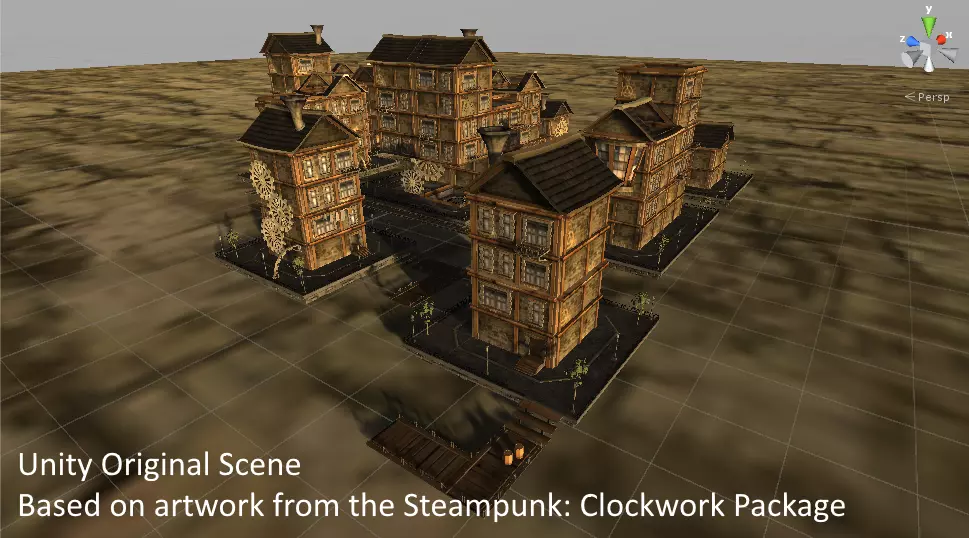
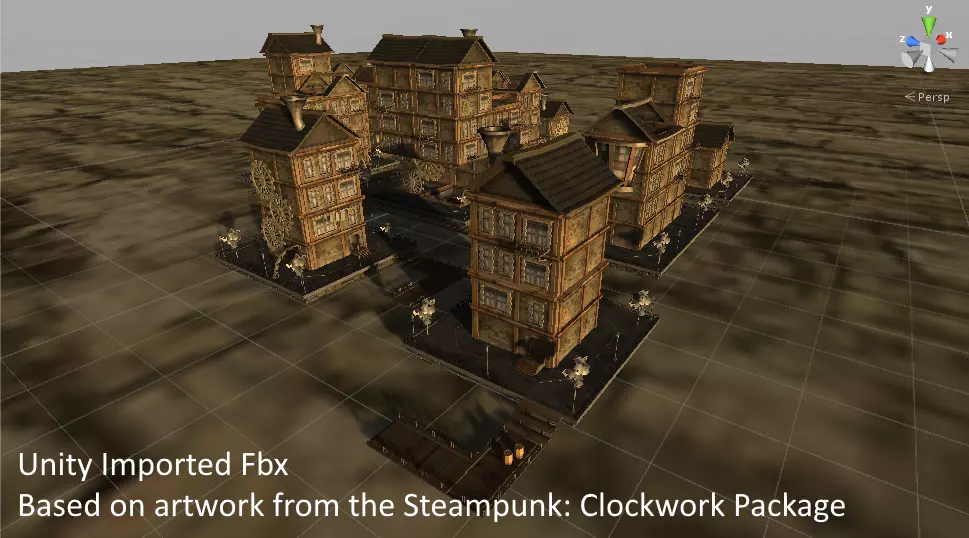
- Exports meshes, skinned meshes, cloth, terrains, LODs, and textures.
- Converts standard lighting materials into closely resembling diffuse, normal, and specular textures (Texture Export currently doesn't work on URP and HDRP).
- Customizable FBX properties and support for skinned blend shapes.
- Compatible with popular 3D tools like Unity, 3ds Max, Maya, and Blender.
Features
- Mesh Support: Export static and dynamic meshes.
- Skinned Mesh Support: Export rigged models with skinning.
- Cloth Support: Export cloth simulations.
- Terrain Support: Export Unity terrains as FBX files.
- LOD Support: Export Level of Detail (LOD) groups.
- Texture Writer: Export textures alongside models (diffuse, normal, specular).
- Custom FBX Properties: Add custom properties to exported FBX files.
- Skinned Blend Shapes: Export models with blend shapes for facial animations.
Compatibility
The exported FBX files have been tested and are compatible with the following tools:
- Unity - Success
- 3ds Max - Success
- Maya - Success
- Blender - Success
System Requirements
- Unity version 2018.4.0 or higher.
- Windows Only (not available for macOS or Linux).
Technical Details
- Built using Autodesk's FBX SDK for high compatibility.
- Includes an intuitive editor window for exporting selected objects.
- Provides a simple API for exporting assets programmatically.
- Exports textures as diffuse, normal, and specular maps (URP and HDRP not supported).
- Supports both 32-bit and 64-bit Unity Editors.
Usage Tips
- Use the editor window to select objects and export them as FBX files with minimal effort.
- For advanced workflows, leverage the API to automate FBX exports via scripts.
- Ensure your materials and textures are compatible with the FBX exporter for optimal results.
- Test the exported FBX files in external tools like Maya or Blender to verify compatibility.
❤️ If you enjoy this asset, consider leaving a review to support the creator. Thank you! ❤️
Download
💖 Donate, Buy Membership, or Exchange Assets 💖
00:00
💖 Unlock Premium Unity Assets for Free! 💖
Get access to exclusive premium assets at no extra cost when you purchase a membership.
🔓 View Membership PlansFbx Exporter for Unity v1.6.2
US$0.80
Supported payment methods:


